

Descripción
iCONstat Tracker is the official WordPress companion plugin for iCONstat, a lightweight, database-free web analytics tool.
This plugin does one thing: it adds the iCONstat tracking script to every page of your WordPress site. That is it.
Why iCONstat?
- No database required – all data stored in flat files
- GDPR-compliant by design – no cookies, no personal data collection
- Self-hosted – your data stays on your server
- Lightweight – PageSpeed scores of 99-100
- Simple dashboard – no complexity, just the metrics that matter
- One-time payment – no subscriptions, no recurring fees
The plugin will show a friendly reminder in your admin panel if the iCONstat files are not yet uploaded.
Note: This plugin requires a valid iCONstat license. You can purchase one at iconsuite.it/iconstat.
Capturas
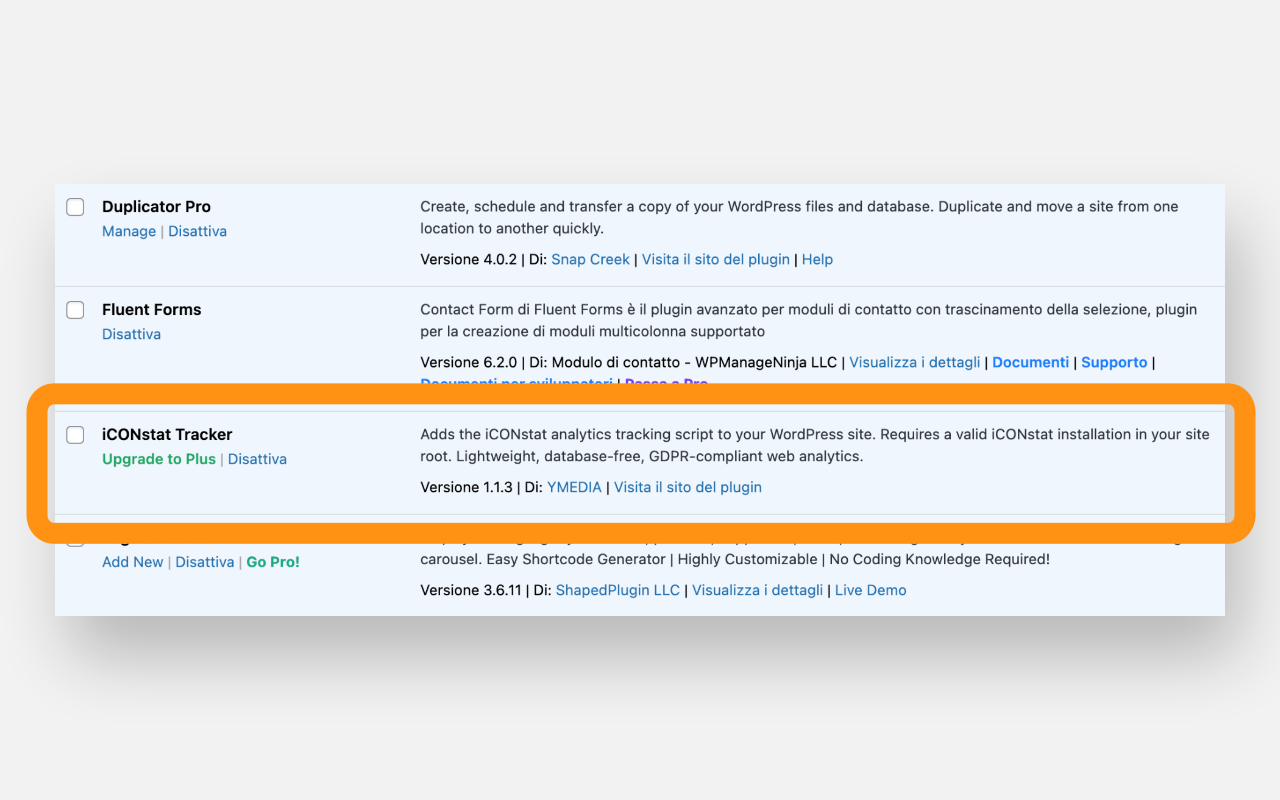
iCONstat Tracker active in the WordPress plugins list 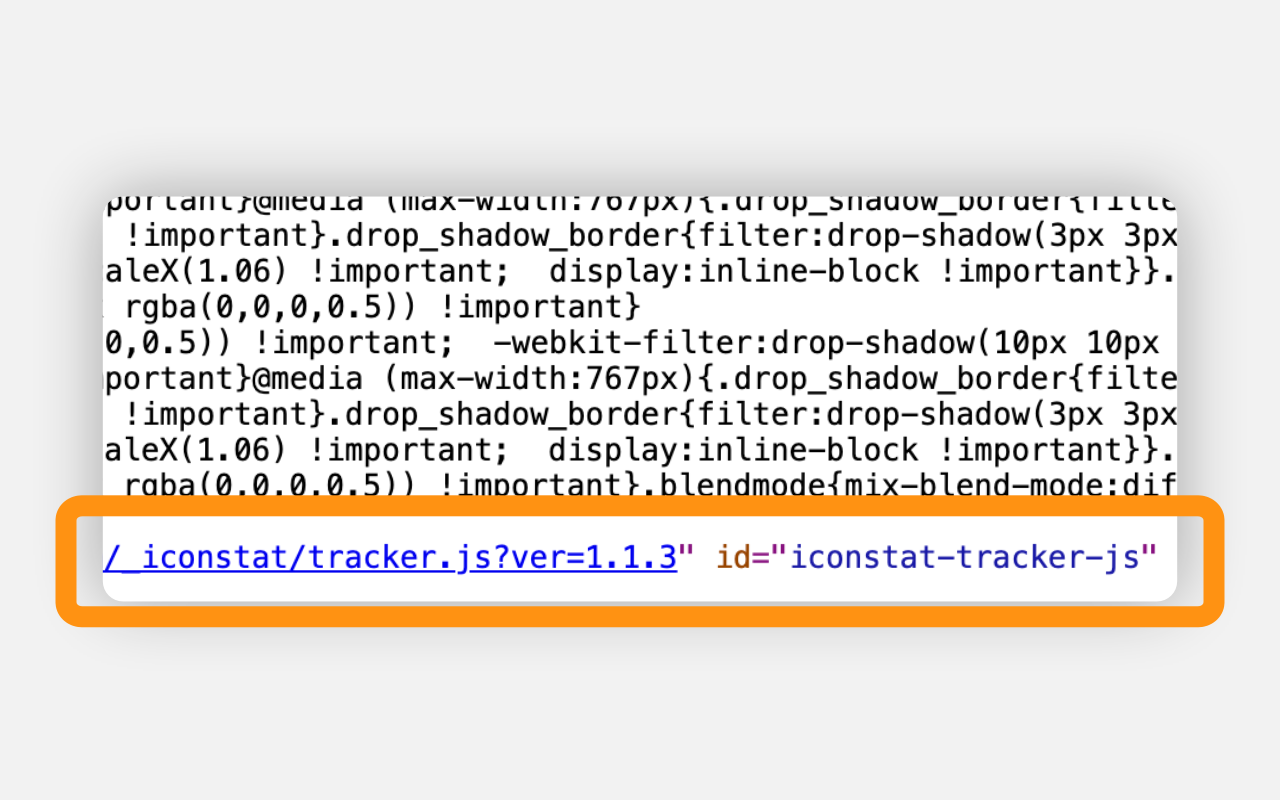
The tracking script correctly injected in the page source 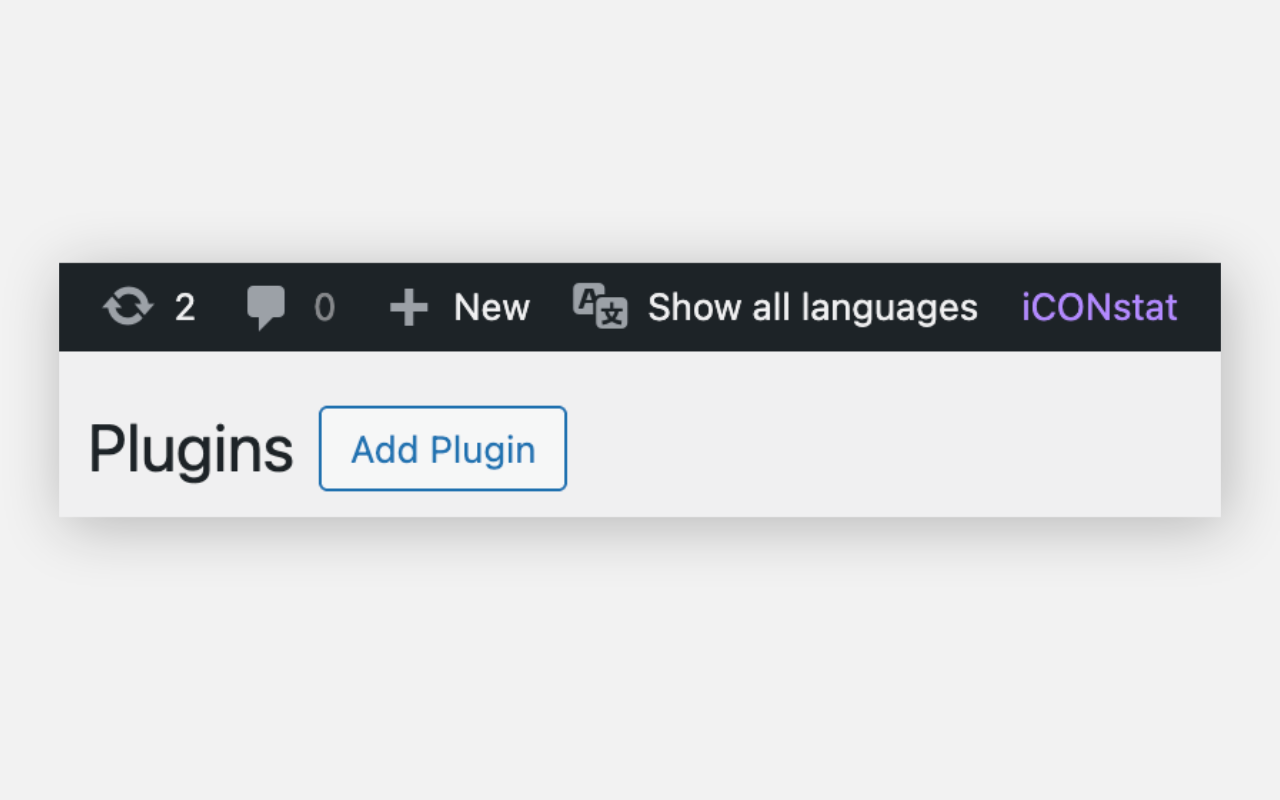
Quick access link in the WordPress admin bar 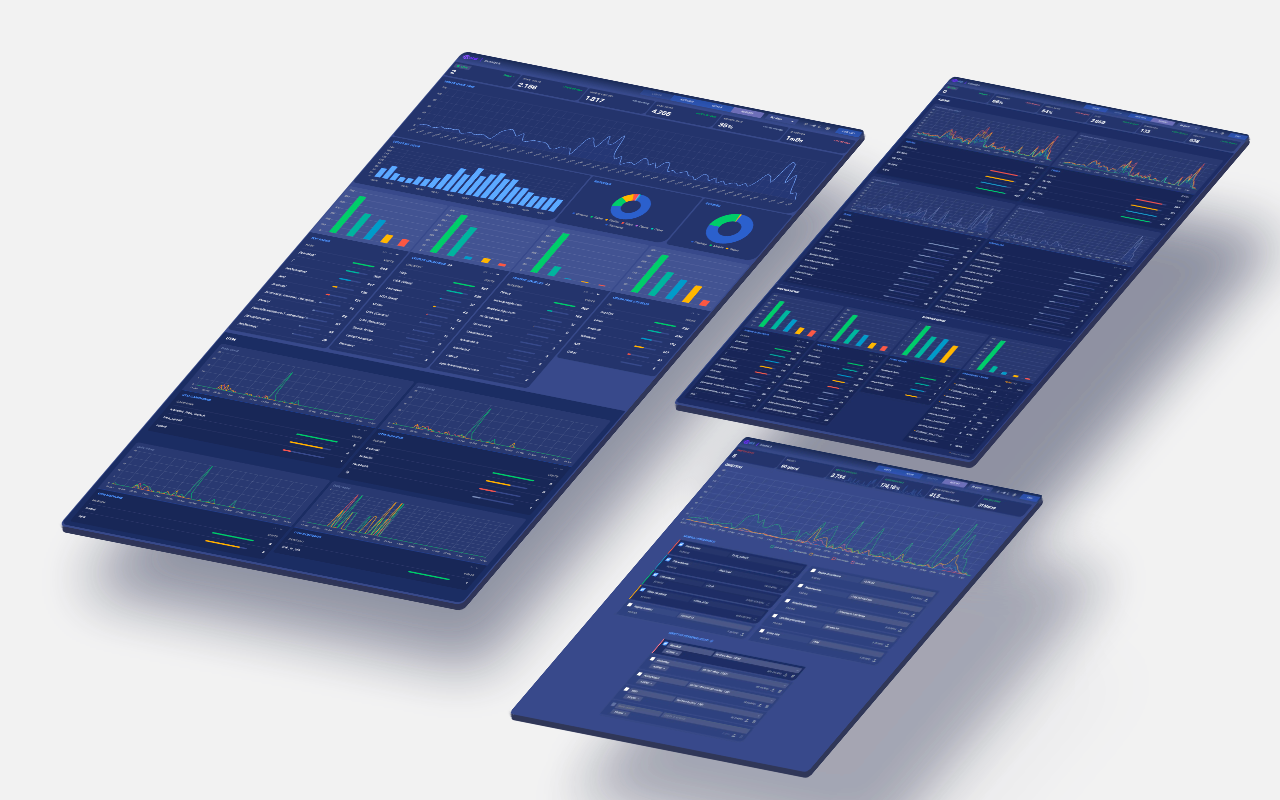
iCONstat analytics dashboards (requires separate iCONstat installation)
Instalación
- Install and activate the plugin inside WordPress, or unzip the plugin file, upload the iconstat-tracker folder to /wp-content/plugins/ and activate it
- Upload your iCONstat _iconstat/ installation folder in your WordPress root directory via FTP
- Activate iCONstat with your credentials and a valid license
- That is it – the tracking script is now active on all pages
FAQ
-
Do I need an iCONstat license?
-
Yes. This plugin only adds the tracking script to your pages. You need a valid iCONstat installation with an active license for analytics to work. Visit iconsuite.it/iconstat to get your license.
-
What happens if iCONstat is not installed?
-
The plugin will try to load a small JavaScript file that will not be found (404). This has no impact on your site performance. You will also see a helpful notice in your WordPress admin panel reminding you to upload the iCONstat files.
-
No. iCONstat is designed to be GDPR-compliant and does not use cookies or collect personal data.
-
Does this plugin slow down my site?
-
No. The plugin adds a single lightweight script tag with the defer attribute. iCONstat itself is designed for maximum performance, consistently achieving PageSpeed scores of 99-100.
-
Is this plugin compatible with caching and optimization plugins?
-
Yes. The plugin adds optimizer-exclusion attributes (data-no-optimize, data-no-minify, data-cfasync) to the script tag to prevent SiteGround Optimizer, WP Rocket, Autoptimize, LiteSpeed Cache and Cloudflare from modifying the tracker script. This ensures reliable tracking on all hosting environments.
-
Will WordPress updates break this plugin?
-
Extremely unlikely. The plugin uses standard WordPress APIs (wp_enqueue_scripts, wp_script_attributes, script_loader_tag) that are stable and well-documented. There is nothing to break.
-
Where do I see my analytics?
-
Access your iCONstat dashboard directly at yoursite.com/_iconstat/iconstat.php (or wherever you installed iCONstat). A quick link is also available in your WordPress admin bar. Analytics are not displayed inside WordPress admin.
-
The plugin doesn’t detect my _iconstat installation. What should I do?
-
If you have uploaded the
_iconstatfolder to your site root but the plugin still cannot detect it, your server structure may be complex (e.g., WordPress in a subdirectory, custom document root, or symlinks). In this case, you can try the free iCONstat Tracker Plus version, which includes advanced auto-detection and manual path override for challenging environments.
Reseñas

Colaboradores y desarrolladores
"iCONstat Tracker" es un software de código abierto. Las siguientes personas han colaborado con este plugin.
Colaboradores
Traduce "iCONstat Tracker" a tu idioma.
¿Interesado en el desarrollo?
Revisa el código , echa un vistazo al repositorio SVN o suscríbete al registro de desarrollo por RSS.
Registro de cambios
1.1.3
- Fixed: script loading now uses wp_enqueue_script() with defer strategy for full WordPress.org compliance
- Added: optimizer-exclusion attributes via wp_script_attributes filter to prevent SiteGround Optimizer, WP Rocket, Autoptimize, LiteSpeed Cache and Cloudflare from renaming or minifying tracker.js
- Added: fallback via script_loader_tag filter for WordPress versions older than 6.1
- Fixed: file detection now uses wp_upload_dir() to derive the WordPress root directory, following WordPress.org guidelines
- Updated: FAQ section with caching/optimization plugin compatibility info
1.1.0
- Fixed: SiteGround Optimizer compatibility – added optimizer-exclusion attributes to prevent script renaming
- Changed: script output method to ensure attributes are preserved
1.0.1
- Fixed: tracker script and admin bar link now use site_url() for correct path resolution when WordPress is installed in a subfolder
1.0.0
- Initial release
- Adds iCONstat tracking script before body closing tag
- Admin notice when tracker.js is not found